
RAM vs. Swap: What Happens When Memory Runs Low
Separate RAM, virtual memory, and swap, then learn why occupied swap is not the same as active memory pressure.
Read the guideMEMSWAP.COM / MEMORY SWAP FIELD GUIDES
Memory swap explained. Practical guides to RAM, Linux, cloud workloads, and AI memory—so you can find the pressure before changing the settings.
FOR DEVELOPERS, IT ADMINS & CURIOUS POWER USERS.
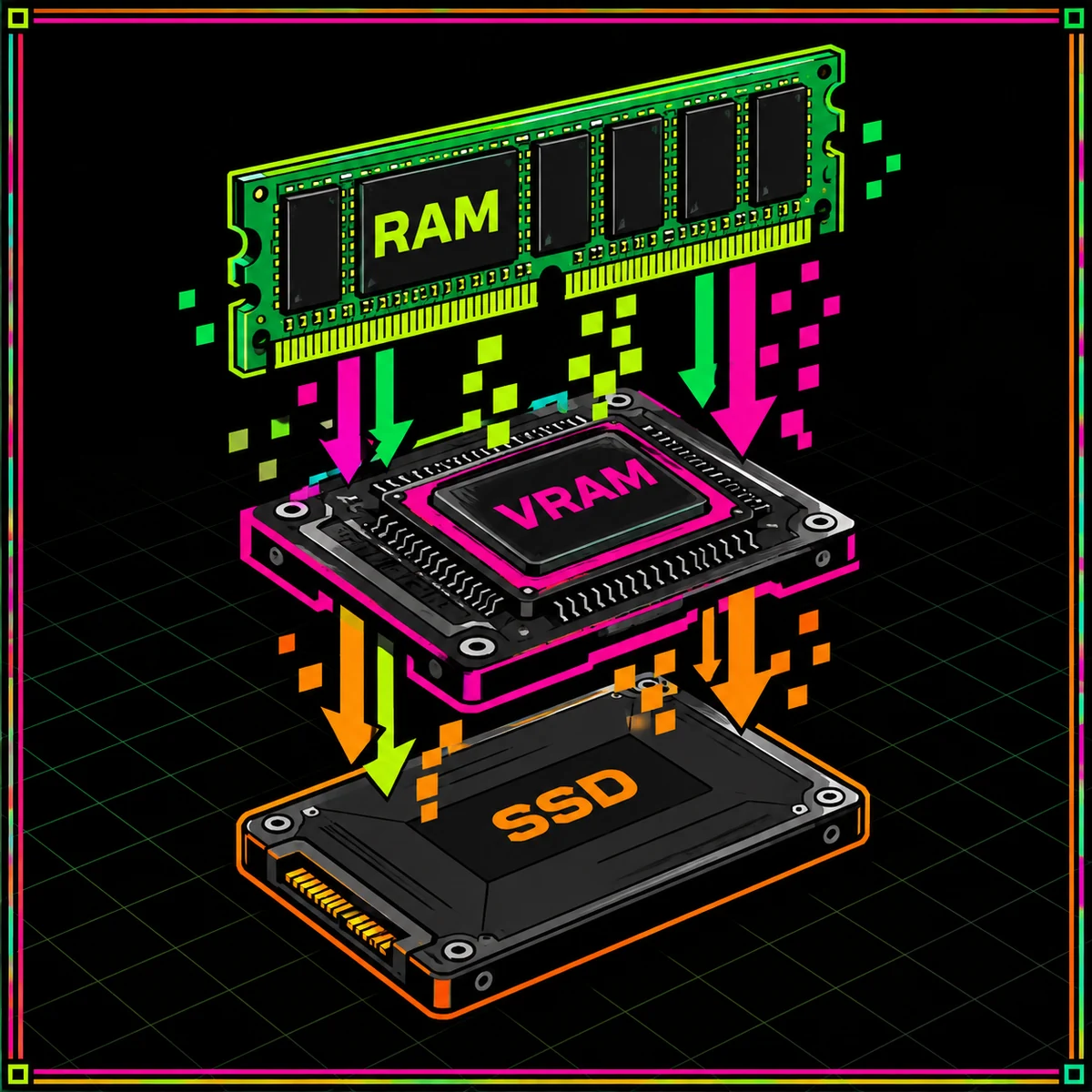
01 / FIND YOUR STARTING POINT
One concept. Different systems. Choose the guide that matches your machine, your workload, and the question you need to answer.
Learn what mem swap does, how it differs from RAM and virtual memory, and which signal to inspect before changing a setting.
Explore the guideUnderstand computer memory swap across operating systems, from physical RAM and virtual addresses to paging and application working sets.
Explore the guidePlan RAM memory swap around actual workload peaks, latency tolerance, storage headroom, and operating-system recovery requirements.
Explore the guideExplore AI VRAM memory swap, explicit CPU and disk offloading, and the limits of moving model data beyond a discrete GPU.
Explore the guidePlan AI mem swap across model weights, request state, host RAM, and GPU allocations; diagnose out-of-memory failures at the correct layer.
Explore the guideUnderstand Linux mem swap files, partitions, swappiness, zram, and zswap with read-only checks and reversible configuration practices.
Explore the guideInvestigate cloud mem swap through virtual-machine capacity, container memory limits, cgroup swap controls, and storage constraints.
Explore the guideDiagnose laptop memory swap using Windows and macOS memory views, realistic multitasking tests, and supported configuration choices.
Explore the guideEvaluate desktop memory swap, application concurrency, storage activity, and memory pressure before changing policy or upgrading hardware.
Explore the guide02 / EVIDENCE BEFORE SETTINGS
A full-looking memory meter is not a diagnosis. Start with what is running, what is available, and what happens during the slow task. Then change one thing at a time.
Take the Linux reading path$ swapon --show# What does available memory look like?$ free -h# What policy is configured?$ sysctl vm.swappiness03 / NOTES FROM THE LAB
Separate RAM, virtual memory, and swap, then learn why occupied swap is not the same as active memory pressure.
Read the guide
Compare a compressed RAM-backed device with a compressed swap cache, and measure the capacity-versus-CPU trade-off.
Read the guide
Learn what explicit model offloading can move between VRAM, RAM, and storage—and how to test whether inference remains useful.
Read the guide04 / COMMON QUESTIONS
No. Swap can provide backing capacity for eligible memory, but it does not install more physical RAM. Start with the memory swap fundamentals before treating disk space as an upgrade.
Occupied swap can reflect earlier activity. Look at the current workload, available-memory estimate, and activity over time rather than one snapshot. The RAM-versus-swap guide explains the distinction.
Not automatically. Supported AI software can explicitly offload model data to host RAM or disk; that is different from increasing physical GPU memory. Read the AI VRAM offloading overview.
Use expected workload peaks, acceptable delay, storage headroom, and operating-system requirements. There is no universal RAM multiplier. Follow the workload-based sizing guide.
No. It is a Linux memory-reclaim policy input based on relative I/O cost, not a RAM-fullness threshold. The swappiness testing guide explains a controlled way to evaluate it.
Do not assume that disabling it is a universal optimization. Establish the workload, failure tolerance, and current configuration first. Use the desktop diagnostic path or the laptop checklist.
Technical starting points: the procps memory readout reference, Linux swappiness documentation, and Accelerate model-offloading guide. Each Lab article links to a relevant primary technical reference.